
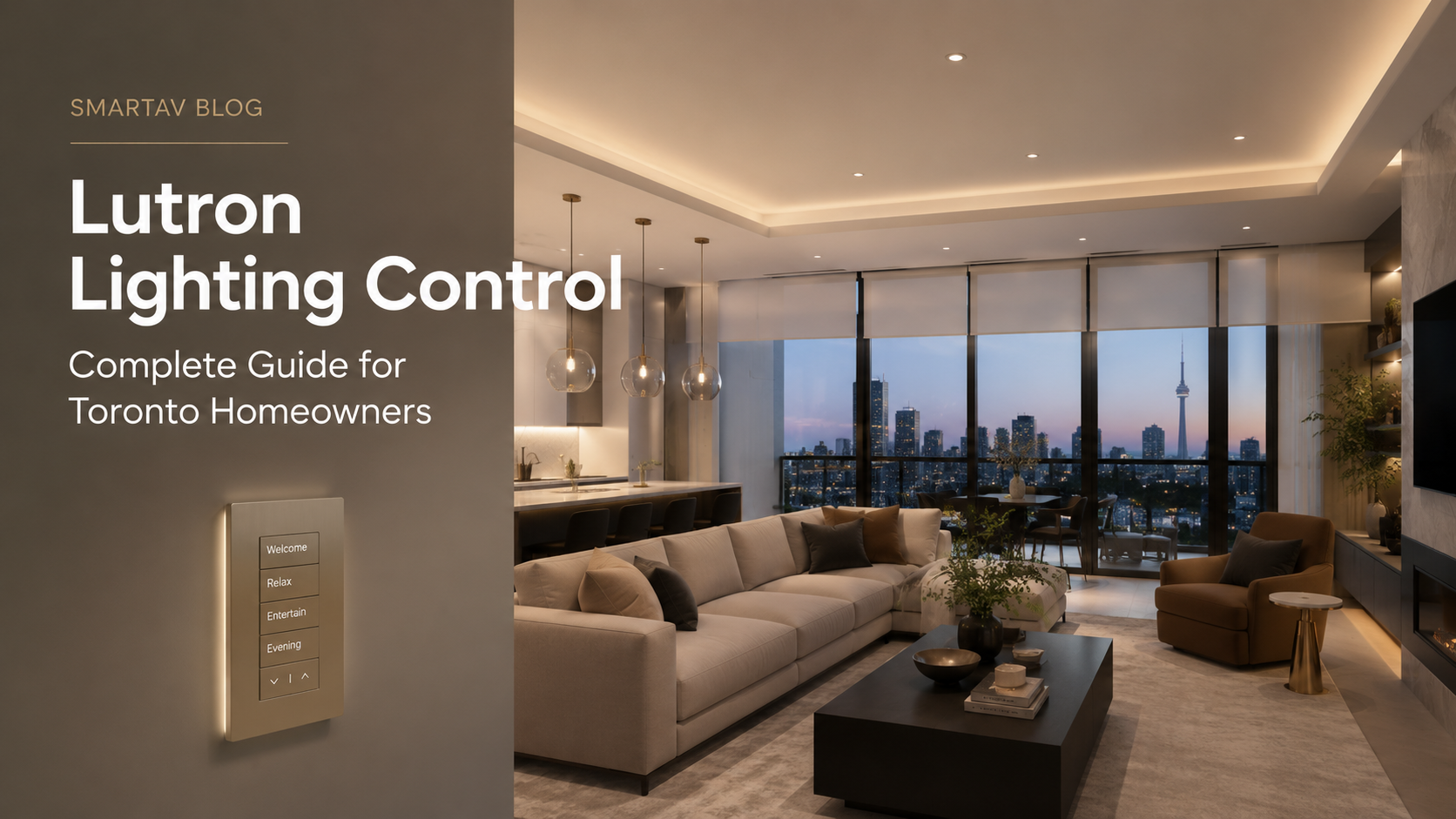
Walk into almost any luxury home in Toronto’s Bridle Path, Rosedale, or Forest Hill neighbourhood, and the lighting does something ordinary switches simply cannot: it responds. A single keypad tap shifts the entire main floor from a bright morning routine to a warm dinner-party ambiance. The blinds close in sync. The thermostat adjusts. Everything feels intentional.
That level of control starts with Lutron — the company that invented the solid-state dimmer in 1959 and has been setting the standard for lighting control ever since. Today, Lutron systems are installed in everything from single-room apartments to multi-wing estates, and their products are found in landmarks as varied as the White House and Windsor Castle.
But for most Toronto homeowners, Lutron raises more questions than it answers: What product line do I actually need? What does professional installation add? How does it integrate with my Control4 or Crestron system? And what does it cost?
This guide answers all of it — from the product tiers and how they work, to what a certified Lutron dealer in the GTA like SmartAV does that a general electrician simply cannot.
What Is Lutron? A Quick Brand Overview
Lutron Electronics is a privately held American company founded in 1961. It holds more than 2,900 patents and manufactures over 15,000 products across residential, commercial, and hospitality markets. Unlike many technology brands that license control to a processor (like Control4 or Crestron), Lutron is specifically a lighting and shading control company — which means everything it makes is engineered to work perfectly together.
What sets Lutron apart from commodity smart lighting products:
- Smooth, flicker-free dimming across virtually every load type (LED, incandescent, fluorescent, ELV, MLV)
- Radio Clear Technology — a proprietary RF mesh protocol that eliminates the signal interference that plagues other wireless systems
- Backward compatibility — Lutron maintains compatibility across product generations, protecting your investment as technology evolves
- Build quality — Lutron keypads, dimmers, and shading motors are engineered to last 25+ years in residential installations
For Toronto homeowners, this matters because a Lutron installation is not a commodity purchase — it’s infrastructure. The keypads on your walls will still work flawlessly when you renovate a decade from now.
The Lutron Product Tiers: Which System Is Right for Your Home?
Lutron organizes its residential products into three primary tiers. Choosing the right one depends on the size of your home, the complexity of control you want, and whether you plan to integrate lighting with other smart home systems.
Tier 1: Caseta Wireless
Caseta is Lutron’s entry-level smart lighting system, designed for straightforward retrofits and single-room or partial-home applications. It uses the Lutron Smart Bridge Pro for cloud connectivity and supports voice control via Amazon Alexa, Google Assistant, and Apple HomeKit.
Best for: Condos, apartments, or homeowners who want smart control in select rooms without a full-home system. Caseta works well as a standalone upgrade or as a bridge toward a more comprehensive system later.
| Caseta Specification | Details |
| Max devices | 75 devices per Smart Bridge |
| Wiring required | No (battery-powered remotes, wireless dimmers) |
| Smart home integration | Alexa, Google Home, Apple HomeKit, SmartThings |
| Typical installed cost | $200–$800 for a room or two |
| Ideal home size | Condos, apartments, 1–3 room upgrades |
Tier 2: RadioRA 3
RadioRA 3 is Lutron’s mid-tier whole-home wireless lighting control system. It uses a central processor (the RR3 Processor) and supports up to 200 devices per system — enough for a large single-family home in Oakville, Markham, or North York.
RadioRA 3 added significant improvements over its predecessor RadioRA 2: faster device response, integration with voice assistants, improved occupancy sensor technology, and a new Sunnata touch keypad lineup that is among the most elegant wall controls Lutron has ever made.
Best for: Large single-family homes where you want whole-home lighting control, scene programming, and integration with a home automation platform. RadioRA 3 is the workhorse of the Lutron residential lineup — it handles most luxury homes in the GTA without compromise.
| RadioRA 3 Specification | Details |
| Max devices | 200 devices per system (expandable with multiple processors) |
| Wiring required | Processor requires wiring; devices are wireless |
| Smart home integration | Control4, Crestron, Savant, Alexa, Apple HomeKit |
| Typical installed cost | $8,000–$35,000 depending on home size |
| Ideal home size | 2,500–8,000+ sq ft single-family homes |
Related: See how RadioRA 3 compares to Homeworks QS in detail in our article Lutron Homeworks QS vs RadioRA 3: Which System Do You Actually Need?
Tier 3: Lutron Homeworks QS
Homeworks QS is Lutron’s flagship residential system and, for large estates and ultra-high-end builds, it has no equal. Unlike RadioRA 3, Homeworks QS uses a wired backbone (HVAC wiring or dedicated data cabling) for processor-to-keypad communication, which provides the highest reliability, the fastest response times, and virtually unlimited scalability.
Homeworks QS also supports Lutron’s Palladiom shading and climate control modules natively, and it integrates at the deepest level with Crestron and Control4 processors. For a 10,000 sq ft estate in King City or a multi-floor penthouse in Yorkville, Homeworks QS is the correct specification.
| Homeworks QS Specification | Details |
| Max devices | Virtually unlimited (processor-based, scalable) |
| Wiring required | Yes — dedicated wiring for all keypads and devices |
| Smart home integration | Full Crestron, Control4, Savant two-way integration |
| Typical installed cost | $25,000–$150,000+ depending on scope |
| Ideal home size | 5,000 sq ft+ estates, multi-wing homes, penthouses |
SmartAV note: SmartAV installs all three Lutron tiers. In our experience, the majority of Toronto single-family homes in the 3,000–8,000 sq ft range are best served by RadioRA 3. Homeworks QS is the right choice when the home has Crestron or requires deep customization at the processor level.
How Lutron Lighting Scenes Work
A lighting scene is a saved configuration of multiple lights — at specific brightness levels — that can be recalled instantly with a single keypress, app tap, or voice command.
Here is what a typical scene setup looks like for a Toronto dining room and adjacent kitchen:
| Scene Name | What the lights do |
| “Entertaining” | Pendant lights 80%, under-cabinet 60%, kitchen island 40% |
| “Dinner Party” | Pendant lights 40%, under-cabinet off, island 20%, candle-warm tone |
| “Morning” | All lights 100%, cooler colour temperature (5000K equivalent) |
| “Movie Night” | All off except low floor wash in hallway at 5% |
| “Away” | All off + exterior light on a randomized schedule |
| “Goodnight” | 30-second fade of entire main floor to off |
The power of scenes is not just the convenience — it’s that they eliminate the problem of multiple switches. In an open-concept Toronto home, controlling the kitchen, dining room, living room, and hallway lighting separately requires seven or eight switches. A single Sunnata keypad with four programmed scenes replaces all of them.
Scenes can be triggered by:
- Wall keypads (the primary method in most installations)
- The Lutron app on any iOS or Android device
- Voice commands via Alexa, Google Assistant, or Apple HomeKit / Siri
- Time-based schedules (sunrise/sunset, specific times)
- Occupancy and vacancy sensors
- Integration with a home automation system (Control4, Crestron, Savant)
Lutron Integration with Smart Home Systems
One of Lutron’s greatest strengths is how cleanly it integrates with every major home automation platform. Unlike some lighting companies whose “integration” is a one-way API call, Lutron provides bidirectional integration — meaning your Control4 or Crestron processor can read the current state of every Lutron device in real time and control it precisely.
Lutron + Control4
Control4 has built one of the deepest Lutron integrations in the industry. Every RadioRA 3 and Homeworks QS device appears in the Control4 driver as a controllable entity — allowing lighting scenes to be woven into broader automation sequences.
Example: Your Control4 “Movie Night” scene can simultaneously dim the living room lights via Lutron, lower the motorized projector screen, close the Lutron shades, and adjust the thermostat — all from one tap on a Control4 touch panel.
→ Related: Learn more about the Control4 platform in our Control4 Smart Home Review: Pros, Cons, and Real-World Performance
Lutron + Crestron
Crestron’s integration with Lutron Homeworks QS is the tightest available. For large estates using Crestron as the central processor, Homeworks QS handles all lighting and shading while Crestron manages the broader automation, AV, and security systems. The two platforms communicate over a dedicated IP connection with millisecond response times.
→ Related: See the full Crestron picture in Crestron Home Automation: What It Is and Why It Costs More
Lutron + Voice Assistants (Alexa, Google, Siri)
All three Lutron residential tiers support voice control natively. For Caseta and RadioRA 3, voice integration works through cloud skills. For Homeworks QS, voice commands are typically routed through the home automation processor for faster and more reliable execution.
Lutron and Motorized Shades: Total Home Light Control
Lutron’s shading products — particularly the Sivoia QS for RadioRA 3 and the Palladiom system for Homeworks QS — are designed to work as a single system with lighting control. This is not an afterthought: Lutron’s original vision was always about managing all the light in a space, both artificial and natural.
When shades and lighting are programmed together, the results are striking:
- A “Good Morning” scene raises the shades to 30% and ramps the bedroom lights to a warm 20% over five minutes
- A “Bright Work” scene opens all shades fully and sets lighting to 100% cool-white
- A “Privacy” scene closes all shades and activates interior lighting to maintain visibility
- Peak sun hours (11am–4pm in a south-facing Toronto home) trigger automatic shade closure to reduce solar heat gain and lower air conditioning load
The energy savings from coordinated shade and lighting automation are real. Studies by Lutron’s own research team have shown that automated shading can reduce a home’s cooling load by up to 40% during summer peak hours — meaningful in Toronto’s increasingly hot July and August seasons.
→ Related: Explore the full shading picture in Motorized Shades and Lighting Automation: Why They Work Better Together
Why Professional Installation Makes a Difference
Lutron products are available at retail — you can purchase a Caseta dimmer at Home Depot and install it yourself. But the difference between a self-installed Caseta system and a professionally programmed RadioRA 3 or Homeworks QS installation is not incremental. It’s categorical.
Here is what professional installation adds:
System design
A professional integrator surveys your home before specifying a single device. How is the home wired? What are the load types (LED, incandescent, fan motors)? Where are the natural light entry points? What are the traffic patterns through each room? These answers shape a scene architecture that is genuinely useful — not a demo preset.
Load compatibility testing
Not all LED bulbs dim cleanly on every dimmer. A certified Lutron installer tests every fixture against the specified dimmer before programming begins. This eliminates the flicker, pop-on, and “ghost glow” issues that plague DIY Lutron setups.
Programming and calibration
Scenes are programmed and calibrated in the space, under real lighting conditions. A “dinner party” scene in a room with south-facing windows at 7pm in June requires different settings than the same scene in January. A professional installer tunes scenes to your actual environment.
Integration programming
If Lutron is one component of a larger system — integrated with Control4, Crestron, motorized shades, or climate control — the programming must be done at the platform level. This requires certified training in both the Lutron ecosystem and the home automation processor.
Ongoing support
SmartAV provides ongoing support for every Lutron system we install. When you add a room, reconfigure a scene, or upgrade your system, we are a phone call away. A self-installed Caseta system offers no equivalent support path.
| SmartAV warranty: Every Lutron installation by SmartAV includes a post-installation walkthrough, written documentation of all scene assignments, and our standard service warranty. We are a certified Lutron dealer and our technicians hold current Lutron programming credentials. |
What Does a Lutron System Cost in Toronto?
Lutron system costs vary significantly based on the tier, the size of the home, and the scope of shading integration. Below are realistic installed price ranges for Toronto-area projects completed by SmartAV:
| System Scope | Typical Installed Cost (Toronto, 2026) |
| Caseta (1–3 rooms) | $800–$3,000 installed |
| RadioRA 3 (whole home, 2,500–4,000 sq ft) | $12,000–$25,000 installed |
| RadioRA 3 + Sivoia shades (whole home) | $25,000–$60,000 installed |
| Homeworks QS (estate, 5,000–10,000 sq ft) | $45,000–$120,000+ installed |
| Homeworks QS + Palladiom shades (full estate) | $80,000–$200,000+ installed |
These ranges include hardware, installation labour, programming, calibration, and SmartAV’s post-installation support. They do not include associated home automation platforms (Control4, Crestron) or any electrical rough-in work.
→ Related: For a full breakdown of smart home project costs, see How Much Does a Smart Home Cost in Toronto? (2026 Complete Pricing Guide)
Human-Centric Lighting: The Underappreciated Lutron Feature
Beyond scene control and energy management, Lutron systems support what lighting designers call human-centric or circadian lighting — the practice of shifting the colour temperature of light throughout the day to support natural human rhythms.
In practical terms: morning light should be cool and bright (5000–6500K, mimicking daylight) to promote alertness. Evening light should be warm and dim (2700–3000K, mimicking sunset) to support relaxation and natural melatonin production.
With Lutron Ketra luminaires and the right fixture selection, SmartAV programs fully automated circadian schedules that shift imperceptibly through the day — with no manual intervention required. The kitchen is bright and energizing at 7am. By 9pm, the same kitchen is warm, dim, and relaxing.
→ Related: Dive deeper into this topic in Human-Centric Lighting: How Automated Light Temperature Improves Your Life
Frequently Asked Questions
Can Lutron work without a home automation system?
Yes. Caseta and RadioRA 3 are fully functional standalone systems controlled via wall keypads and the Lutron app. Homeworks QS requires a dedicated processor but does not need a separate home automation platform. Integration with Control4, Crestron, or Savant is optional and additive.
Does Lutron work with existing light fixtures and bulbs?
In most cases, yes. Lutron dimmers are compatible with a wide range of LED, incandescent, and halogen fixtures. However, not all LED bulbs dim cleanly on every Lutron dimmer — this is why SmartAV performs load compatibility testing during system design. For new builds, we specify fixtures that are confirmed Lutron-compatible.
How does Lutron perform during a power outage?
Lutron keypads retain their programming through power outages. When power is restored, scenes return to their pre-outage state. For homes with battery backup or generator systems, Lutron lighting automation continues to function normally — an important consideration for Toronto homes that experience winter power interruptions.
Can I add Lutron to an existing home, or is it only for new builds?
Lutron’s RadioRA 3 system is specifically designed for retrofits — all devices communicate wirelessly, so there is no need to run new wiring throughout the home. SmartAV has completed RadioRA 3 retrofits in homes ranging from 1960s bungalows in Leaside to pre-war houses in the Annex, with minimal disruption.
How long does a Lutron installation take?
A whole-home RadioRA 3 installation in a 3,000–5,000 sq ft Toronto home typically takes 3–5 days: one day for hardware installation, one to two days for programming and calibration, and a half-day for training and documentation. Homeworks QS projects with full shading integration typically run 7–14 days.
Is Lutron backward compatible?
Yes — Lutron has maintained backward compatibility across multiple product generations. RadioRA 2 devices can be incorporated into RadioRA 3 systems. This is one of the most significant advantages of the Lutron ecosystem: your investment in keypads, dimmers, and motors is not made obsolete by product updates.
SmartAV: Certified Lutron Dealer in Toronto and the GTA
SmartAV has been a certified Lutron dealer and installer in the Greater Toronto Area for over 15 years. Our team includes engineering graduates, certified Lutron programmers, and AV specialists who work across all three Lutron residential tiers — from Caseta retrofits in downtown condos to Homeworks QS estates in Oakville and King City.
We serve homeowners, builders, interior designers, and architects throughout:
- Toronto (all neighbourhoods)
- North York, Etobicoke, Scarborough
- Vaughan, Woodbridge, Thornhill, Richmond Hill
- Markham, Aurora, Newmarket, East Gwillimbury
- Mississauga, Oakville, Burlington
Every SmartAV Lutron project includes free in-home consultation, full system design documentation, post-installation training, and our standard parts and labour warranty.
Ready to explore Lutron for your home?
SmartAV offers a free, no-obligation consultation for any Lutron project.
We assess your space, recommend the right system tier, and provide a clear quote.
📞 (416) 904-0504