
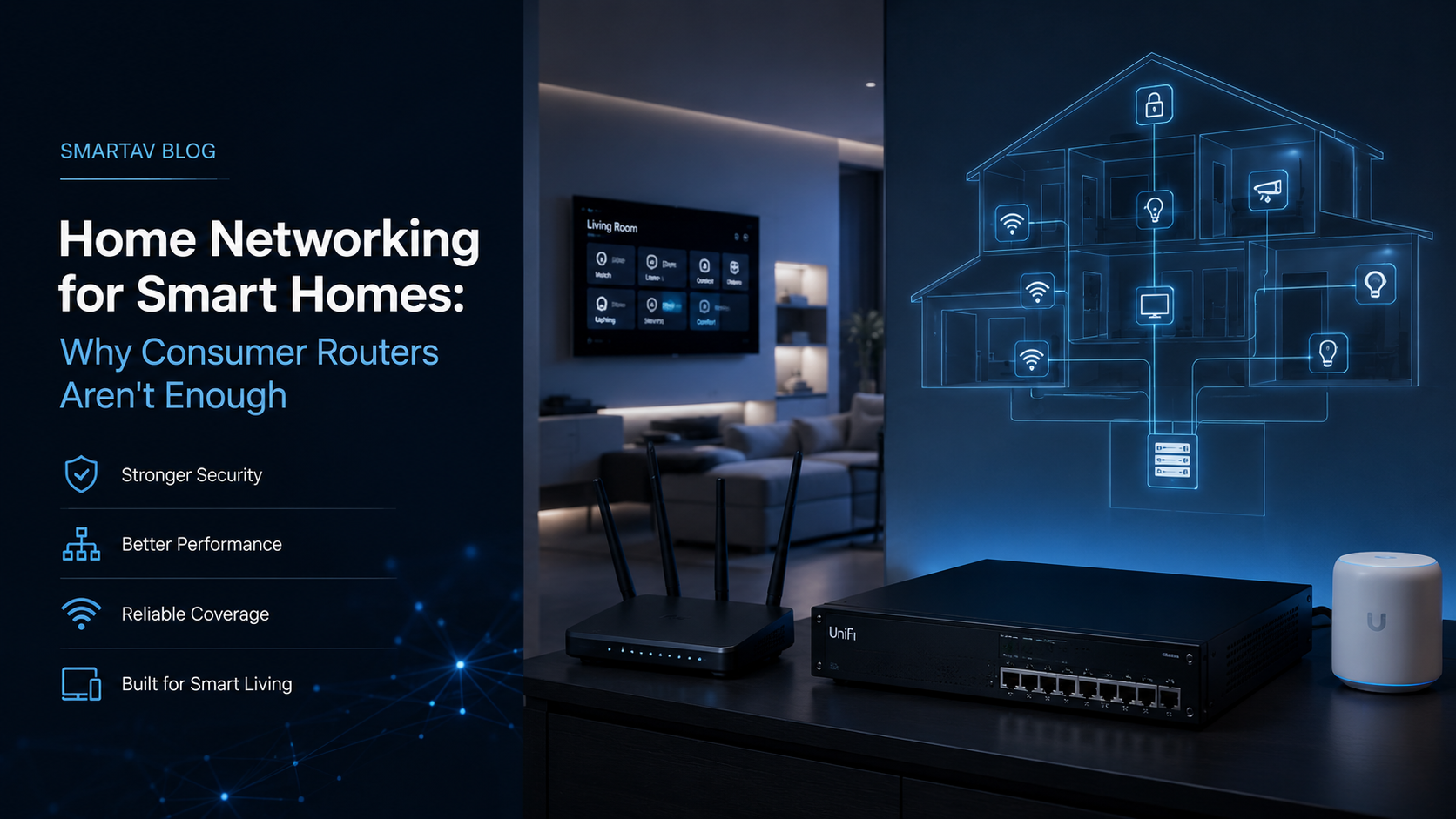
Every smart home system — lighting, security cameras, thermostats, streaming, whole-home audio — ultimately depends on one piece of infrastructure that rarely gets the attention it deserves: the network. A home automation system is only as reliable as the network carrying its commands, and the single router that came free with your internet plan is rarely built for what a genuinely smart home actually demands.
How Many Devices Does a Smart Home Actually Have?
Homeowners are often surprised when they actually count. A moderately automated home easily runs 40–80 connected devices: every smartphone, laptop, and tablet in the household; smart TVs and streaming devices in every room; security cameras; smart thermostats and sensors; lighting control processors and keypads; smart locks; voice assistant speakers; and any whole-home audio or automation hardware.
Each of these devices competes for the same limited wireless spectrum and the same router processing capacity. A consumer router designed and tested around a typical household of 15–20 devices starts to show real strain well before reaching the device count of a genuinely automated home.
Consider a fairly typical 3,500 sq ft Toronto home with whole-home lighting control, a handful of security cameras, smart thermostats in three zones, and a family of four with the usual mix of phones, laptops, and streaming devices: it’s not unusual for that household to be running 50 or more connected devices simultaneously — well beyond what most consumer routers were designed and tested to handle reliably at once.
Why Consumer Routers Struggle
Limited processing power. Consumer routers are built to a price point, with modest processors that handle basic routing fine but struggle under the combined load of dozens of simultaneously connected devices, particularly when several are streaming or transferring data at once.
Single point of failure. A single router covering an entire home means every device — including security cameras and access control — goes offline if that one unit fails, reboots, or needs a firmware update. For a home relying on automation for security and daily function, this is a meaningful vulnerability.
Weak coverage in larger homes. A single router, regardless of how powerful its antennas are marketed to be, struggles to deliver consistent coverage across a multi-floor home with plaster or brick walls — common throughout older Toronto neighbourhoods — leading to dead zones that disrupt smart home devices far more than they disrupt casual phone browsing.
No network segmentation. Consumer routers typically put every device on the same flat network, meaning a compromised smart camera or budget IoT sensor has direct network access to the same segment as your laptop and personal devices — a real security gap addressed by proper network design.
What Enterprise-Grade Home Networking Looks Like
A network built for whole-home automation looks structurally different from a single consumer router setup — it distributes the workload across multiple purpose-built pieces of equipment rather than asking one all-in-one box to handle routing, Wi-Fi, and security for the entire home simultaneously:
- A dedicated router/firewall separate from Wi-Fi access points, sized to handle the actual device count and traffic of the home
- Multiple wired access points distributed throughout the home, rather than relying on a single router or mesh extenders to cover every room
- A managed network switch with enough ports for wired connections to key devices — streaming boxes, gaming consoles, automation processors, and security equipment
- Network segmentation (VLANs) separating IoT devices, guest access, and personal devices onto logically isolated segments
- Proper equipment housing with ventilation, in a dedicated network closet or rack rather than stacked in a media cabinet
SmartAV note: The most common issue we’re called in to fix isn’t a failed device — it’s a homeowner who’s added camera after camera, smart speaker after smart speaker, onto a network designed for a household from a decade ago. The network almost always needs to be addressed before the devices sitting on top of it will perform reliably.
Wi-Fi 6 and Wi-Fi 6E Explained
Recent Wi-Fi standards matter more for smart homes than for casual browsing, specifically because of how they handle many simultaneously connected devices. Wi-Fi 6 introduced meaningfully better performance in device-dense environments — exactly the scenario a smart home creates — while Wi-Fi 6E added access to the 6 GHz band, providing significantly more available spectrum and less interference from neighbouring networks, a real consideration in denser Toronto neighbourhoods and multi-unit buildings.
Wi-Fi 7, the newest standard, extends this further with additional bandwidth and lower latency, and is beginning to appear in higher-end installations designed to handle growing device counts and simultaneous 4K/8K streaming.
→ Related: For the full breakdown of what each standard actually changes for a smart home, see Wi-Fi 6, 6E, and Wi-Fi 7: What They Mean for Your Smart Home
VLANs: Segmenting IoT From Personal Devices
A VLAN (virtual local area network) logically separates devices on the same physical network into isolated segments, even though they share the same router and switches. In practice, this means a compromised or vulnerable IoT device — a budget camera or smart plug, for instance — is contained to its own segment, without direct network access to personal laptops, phones, or sensitive data.
For smart homes specifically, a typical segmentation approach separates personal devices, IoT and automation devices, security cameras, and guest Wi-Fi access into their own segments — each with appropriate access rules for what it can and can’t reach on the network.
→ Related: For a deeper, non-technical explanation of how VLANs work and why they matter, see Why Your Smart Home Needs a VLAN: Network Security Explained Simply
Wired vs. Wireless: What to Hard-Wire
Wireless convenience shouldn’t extend to every device that could theoretically use it. Certain devices benefit meaningfully from a wired connection wherever practical:
- Automation processors (Control4, Crestron) — wired connections eliminate wireless interference as a variable in system reliability
- Streaming and gaming devices — particularly for 4K/8K content and low-latency gaming, wired connections reduce buffering and lag
- Security cameras and NVRs — wired power and data (PoE) is more reliable than battery or Wi-Fi-dependent cameras for continuous recording
- Wireless access points themselves — each access point should be wired back to the network switch, not daisy-chained wirelessly, to avoid compounding bandwidth loss
Devices that genuinely benefit from mobility — phones, tablets, laptops — remain on Wi-Fi, ideally on the fastest available standard the hardware supports.
What Professional Home Networking Costs in Toronto
Networking infrastructure costs scale with home size and the number of access points required, but represent a relatively modest portion of a full smart home budget given how much reliability depends on it.
| Project Scope | Typical Installed Cost (Toronto, 2026, CAD) |
|---|---|
| Basic upgrade — router/firewall + 2 access points | $2,500–$5,000 |
| Whole-home network — 3–4 access points, managed switch, VLANs | $5,000–$12,000 |
| Large home or estate — 5+ access points, full segmentation, rack | $12,000–$25,000+ |
These figures include hardware, professional design, installation, and configuration. They don’t include structured wiring if it needs to be added retroactively, which is typically quoted separately based on the number and length of runs required.
SmartAV’s Networking Approach
SmartAV designs networking infrastructure as the foundation of every smart home project, not an afterthought layered in after other systems are installed. Our network designs are sized to the home’s actual device count and automation scope, with proper segmentation, wired backbone connections between access points, and equipment housed in a dedicated, ventilated location.
Frequently Asked Questions
Do I really need a professional network for a smart home, or will a good mesh router work?
Consumer mesh systems are a genuine improvement over a single router for coverage, but they typically still lack proper network segmentation, wired backhaul between nodes, and the processing capacity for a heavily automated home. For a handful of devices, mesh may be sufficient; for a fully automated home, professional network design delivers meaningfully better reliability.
How many access points does a typical Toronto home need?
This depends on square footage, wall construction, and layout, but most single-family homes need at least two to four wired access points for consistent whole-home coverage — a single router or extender setup rarely covers a multi-floor home reliably.
Will a better network actually fix my smart home reliability issues?
In our experience, yes, more often than homeowners expect. A significant portion of “unreliable” smart home devices — dropped connections, slow response times, offline cameras — trace back to network issues rather than the devices themselves.
Does upgrading to Wi-Fi 6E or Wi-Fi 7 require replacing all my devices?
No — newer Wi-Fi standards are backward compatible, so existing devices continue to work normally on an upgraded network. Only devices that specifically support the newer standard take advantage of its improvements, but all devices benefit from the reduced congestion a better-designed network provides.
Get a Network Assessment
SmartAV designs and installs networking infrastructure built specifically for whole-home automation, from access point placement to VLAN segmentation.
📞 (416) 904-0504