
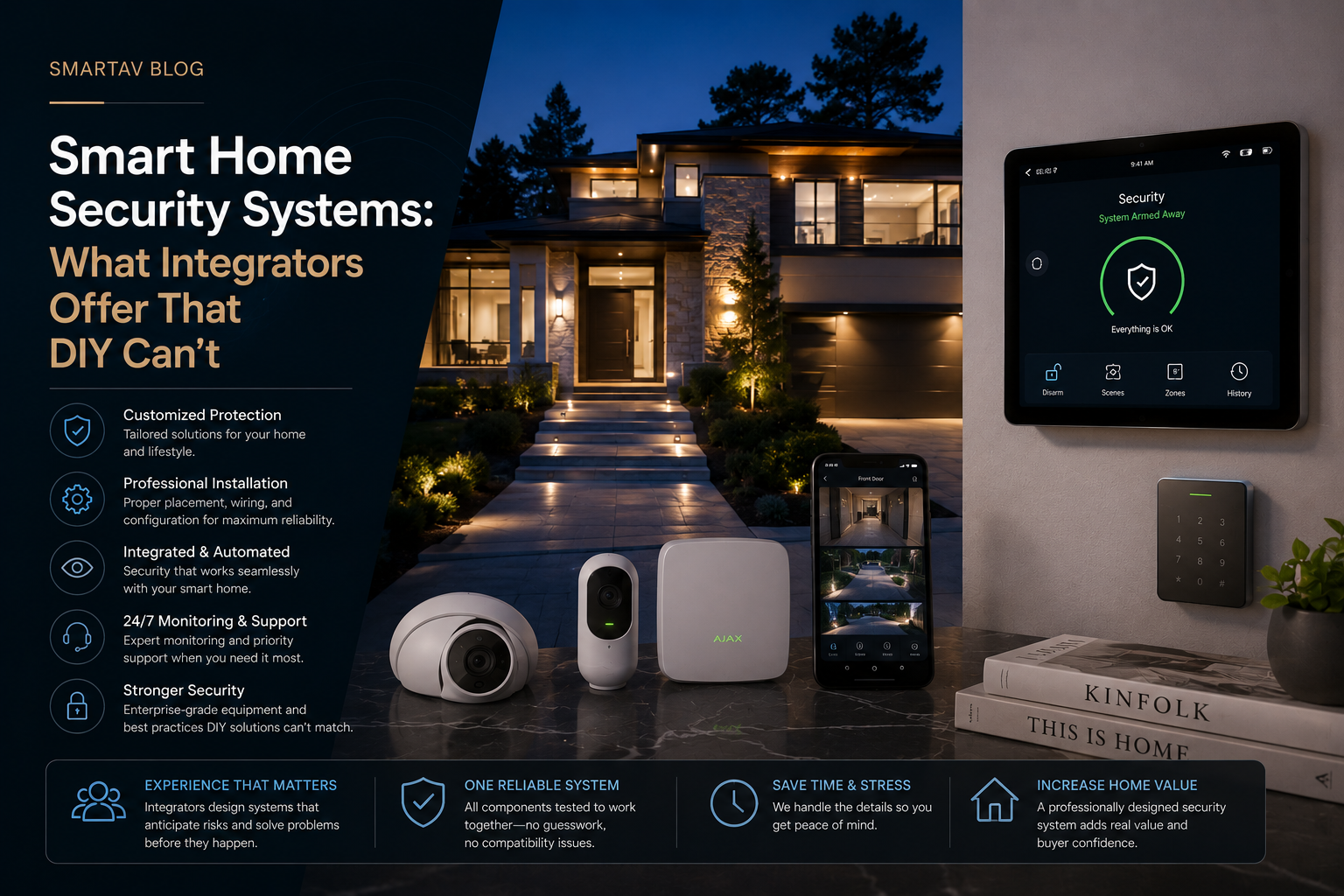
A homeowner in Leaside recently described her DIY camera setup to us this way: “I have four cameras, three apps, and about sixty notifications a day — most of them a squirrel.” It’s a common story. DIY security has gotten genuinely good at putting a camera on your porch for two hundred dollars. What it hasn’t solved is turning that camera, and everything else in a home’s security posture, into a system that actually works together and tells you what matters.
What Most Homeowners Get With DIY Security
The typical DIY setup accumulates over time rather than being designed all at once: a video doorbell purchased first, a couple of indoor cameras added later, maybe a standalone smart lock, each from a different brand, each living in its own app. It’s better than nothing, and for some households — renters, smaller condos, lighter security needs — it’s a perfectly reasonable endpoint.
Where it consistently falls short is coordination. A DIY doorbell doesn’t know what your indoor cameras are seeing. Your smart lock doesn’t talk to your cameras to confirm who’s actually coming through the door. Motion alerts fire constantly because each device is making its own crude judgment about what counts as “motion,” with no shared context about what’s actually happening across the property.
What a Professional Integrated System Looks Like
A professionally designed system starts from a different premise: every device is part of one coordinated picture, not a collection of separate gadgets that happen to share a Wi-Fi network.
- One system, one interface — cameras, locks, alarms, and sensors report into a single platform, not four separate apps competing for attention
- Devices that share context — a door sensor triggering while a camera simultaneously detects a person carries more weight than either signal alone, and the system can be programmed to respond accordingly
- Professional-grade hardware — commercial-tier cameras and sensors built for continuous operation, not consumer electronics designed around a retail price point
- Wired power and data where it counts — cameras on Power over Ethernet rather than battery and Wi-Fi dependent, removing two of the most common points of failure in DIY setups
- A system designed around your specific property — camera placement, coverage overlap, and blind spots planned deliberately, not determined by wherever a battery camera happens to get enough Wi-Fi signal
AI-Powered Camera Detection: Fewer False Alerts
This is where the DIY-versus-professional gap has widened the most in recent years. Early smart cameras — DIY and professional alike — triggered on any motion: a passing car, a shifting shadow, a curious raccoon. Modern AI-based detection, now standard on professional-grade systems, distinguishes between people, vehicles, and animals, and can be configured further — alerting only on a person entering a specific zone, for instance, rather than any motion anywhere in frame.
The practical effect is a system homeowners actually pay attention to. A camera sending sixty notifications a day trains its owner to ignore alerts entirely, which defeats the purpose of having a camera in the first place. A properly tuned professional system might send two or three meaningful alerts a day — and because they’re meaningful, they get looked at.
The Leaside homeowner mentioned at the start of this article is a good example of what changes: after moving to a professionally designed system with AI-based person detection and zone-specific alerts, her notification count dropped from roughly sixty a day to under five — and every one of those five was an actual person on her property, not a squirrel, a passing cloud shadow, or a neighbour’s cat. That’s the practical measure of whether a security system is working: not how many alerts it sends, but how many of them are worth acting on.
Integration With Lighting, Locks, and Automation
Security performs best as one layer of a broader automation system rather than an isolated add-on. A professionally integrated system can, for example, trigger exterior lighting the moment a camera detects a person approaching after dark, unlock the front door automatically when an authorized face or credential is recognized, or lock every door in the house with a single “Away” scene that also arms the security system and adjusts thermostats — coordination that’s difficult or impossible to replicate across separate DIY apps that weren’t designed to talk to each other.
Consider a fairly common scenario: a family leaving for a two-week trip. On a coordinated system, a single “Departure” scene arms the alarm, locks every door and the garage, sets exterior lighting to a randomized away schedule, adjusts the thermostat to an energy-saving setpoint, and confirms all of this back to the homeowner’s phone in one notification. On a DIY setup, the same outcome requires manually checking four or five separate apps — locks, cameras, thermostat, lights — and hoping nothing was missed in the process.
→ Related: For how this coordination happens at the network level, see Why Your Smart Home Needs a VLAN: Network Security Explained Simply
Remote Monitoring vs. Self-Monitoring
There’s a meaningful difference between a system that notifies you and one that’s professionally monitored. Self-monitored systems — the DIY norm — rely entirely on the homeowner noticing and acting on an alert, which works fine until you’re asleep, on a flight, or simply not looking at your phone when it matters. Professionally monitored systems route verified alarm events to a monitoring center that can dispatch emergency response directly, without depending on any one person seeing a notification in time.
| DIY / Self-Monitored | Professionally Integrated | |
|---|---|---|
| Response if you miss an alert | No response until you check | Monitoring center can dispatch directly |
| Device coordination | Each device acts independently | Devices share context and trigger together |
| False alert rate | Often high — basic motion triggers | Low — AI distinguishes people, vehicles, animals |
| Hardware reliability | Consumer-grade, battery/Wi-Fi dependent | Commercial-grade, wired power and data |
| Installation | Self-installed, placement is guesswork | Professionally designed for full coverage |
| Ongoing support | None — you troubleshoot it yourself | Integrator handles service and updates |
Neither approach is universally “correct” — a lightly used condo with modest security needs may never need professional monitoring. A primary residence, a family that travels often, or a property with meaningful assets is a different risk calculation entirely.
The Blind Spots DIY Setups Consistently Miss
Beyond the headline differences in monitoring and detection, a handful of specific gaps show up repeatedly in DIY systems we’re asked to assess or replace:
Coverage gaps from Wi-Fi-driven placement. Battery-powered DIY cameras go wherever the Wi-Fi signal happens to reach comfortably, not necessarily where coverage is actually needed. A side entrance or a detached garage often ends up uncovered simply because it’s the hardest spot to get a reliable wireless signal to, not because it’s a low-priority area.
No coordinated exterior lighting. DIY cameras can usually trigger their own attached light, if they have one, but rarely coordinate with the rest of a property’s exterior lighting — meaning a person approaching from an unlit angle may not be well illuminated for the camera to capture usable footage at all.
Battery maintenance as an ongoing chore. Battery-powered cameras require periodic recharging, and it’s extremely common for at least one camera in a DIY setup to be dead or low-battery at any given time — often without the homeowner realizing until they need footage that isn’t there.
No unified event history. When each device lives in its own app, reconstructing what actually happened during an incident means checking multiple apps separately, each with its own timeline and interface, rather than reviewing a single coordinated timeline across every device on the property.
Cloud storage limitations and costs. Many DIY camera brands require a paid subscription for anything beyond a few days of cloud storage, and free tiers often only retain short clips rather than continuous recording — a real gap if you need footage from several days before you realized you needed it.
What Professional Security Actually Costs
Pricing for a professionally designed system varies with property size, camera count, and whether monitoring is included, but it’s worth comparing against the real (not just sticker) cost of a DIY setup, which often accumulates individual device and subscription costs over time.
| System Scope | Typical Installed Cost (Toronto, 2026, CAD) |
|---|---|
| Basic system — 4–6 cameras, no monitoring | $3,500–$8,000 |
| Mid-size system — 6–10 cameras, AI detection, integration | $8,000–$18,000 |
| Large property — 10+ cameras, monitoring, full automation integration | $18,000–$40,000+ |
These figures include hardware, professional installation, and system configuration. Ongoing monitoring, where included, is typically billed as a separate monthly service.
When DIY Genuinely Makes Sense
In fairness to DIY: it’s a reasonable starting point for renters who can’t modify wiring, smaller condos with limited exterior exposure, or anyone testing whether they want cameras at all before committing to a larger investment. The honest advice isn’t “DIY is always wrong” — it’s that DIY solves a narrower problem than most homeowners realize, and the gap becomes obvious the moment a household’s needs grow past a handful of cameras.
SmartAV’s Security Installations in the GTA
SmartAV designs and installs integrated security systems across Toronto and the GTA — from AI-based camera detection to full coordination with lighting, locks, and whole-home automation. Every system is designed around the specific property, not assembled from whatever’s in stock at a big-box retailer.
Frequently Asked Questions
Is a professionally installed system really that much better than good DIY cameras?
The hardware gap has narrowed in recent years, but the coordination gap hasn’t — DIY devices generally still operate independently rather than sharing context, which is where most of the practical difference in false alerts and useful automation comes from.
Do I need professional monitoring, or is self-monitoring enough?
It depends on how much you’re relying on the system and how quickly you need a guaranteed response. For a lightly used secondary space, self-monitoring is often sufficient. For a primary residence or higher-value property, professional monitoring closes a real gap in response time.
Can I upgrade an existing DIY system instead of starting over?
In some cases, yes — certain DIY hardware can be incorporated into a professionally designed system, though compatibility varies by brand. In many cases, it’s more cost-effective to redesign the camera and sensor layout from scratch than to work around existing placement compromises.
How does AI camera detection actually reduce false alerts?
Rather than triggering on any pixel change, AI-based detection analyzes what’s actually moving — distinguishing a person from a passing car or an animal — and can be configured to alert only on specific event types or within specific zones of the camera’s field of view.
Will a professional system work if my internet goes down?
Core recording and, in many cases, local alarm functions continue operating even without an internet connection, since footage is typically stored locally in addition to or instead of the cloud. Remote viewing and monitoring center connectivity require internet access, which is why some systems include a cellular backup specifically to maintain monitoring during an outage.
How disruptive is the installation process for an existing home?
For most homes, camera and sensor installation is relatively non-invasive — mounting hardware and running low-voltage wiring where needed, typically completed in one to two days depending on system size. Homes requiring extensive new wiring for wired cameras may take longer, though wireless options remain available where running new cable isn’t practical.
Get a Security System Assessment
SmartAV will walk your property, assess your actual security needs, and design a system that fits — not oversell you on cameras you don’t need.
Get a security system assessment →
📞 (416) 904-0504