
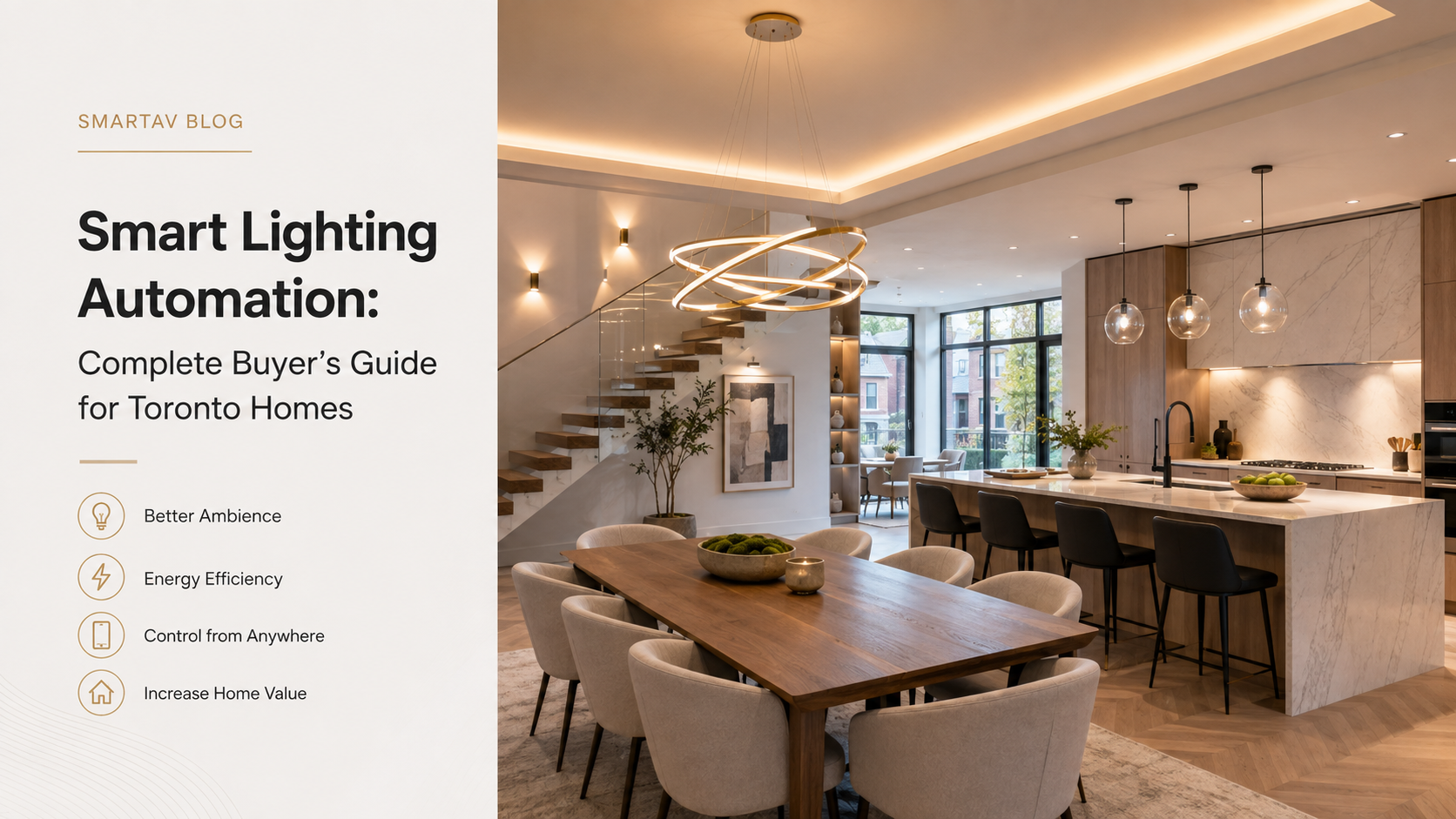
Smart lighting means different things to different homeowners — for some, it’s a handful of app-controlled bulbs; for others, it’s a fully programmed whole-home system that anticipates the household’s routines. Both are valid starting points, but they represent genuinely different investments and experiences. This guide walks through what smart lighting automation actually involves, what it costs at each level, and how to figure out which tier makes sense for your home.
What Smart Lighting Automation Actually Means
At its simplest, smart lighting is remote or scheduled control of individual fixtures — an app-controlled bulb or plug you can turn on and off from your phone. Lighting automation is a meaningfully different concept: a professionally designed system where lighting responds to scenes, schedules, occupancy, and time of day, coordinated across an entire home rather than controlled fixture by fixture.
The practical difference shows up immediately in daily use. A home with individually controlled smart bulbs still requires opening an app or asking a voice assistant for each adjustment. A home with true lighting automation recalls an entire room’s — or the entire house’s — lighting configuration with a single keypad press, because the system was designed around how the household actually lives, not around each bulb in isolation.
This distinction matters most when a household actually tries to use the system daily rather than during a demo. Standalone smart bulbs tend to see heavy use for the first few weeks and then fade into the background as the novelty wears off and manually opening an app becomes just as much friction as flipping a switch. A properly programmed scene-based system, by contrast, tends to get used more over time, not less — because a single keypad press genuinely replaces multiple manual actions rather than just relocating them to a phone screen.
Benefits: Comfort, Energy, Security, and Resale Value
Comfort and convenience. The most immediate benefit is eliminating the friction of managing multiple switches. An open-concept Toronto home might have seven or eight switches controlling kitchen, dining, and living room lighting separately — a single programmed keypad scene replaces all of them with one press.
Energy savings. Automated scheduling and occupancy sensing reduce lights left on in unoccupied rooms, and dimming — even modest dimming — extends LED lifespan and reduces energy draw compared to running every fixture at full brightness by default.
Security. Randomized “away” lighting schedules that vary across multiple rooms look far more convincing to a potential intruder than a single porch light on a fixed timer — one of the more underrated security benefits of a properly automated system.
Resale value. Professionally installed, integrated lighting control is increasingly viewed by GTA buyers and agents as genuine home infrastructure rather than a gadget — closer in perception to a kitchen renovation than to a stack of smart bulbs a new owner would need to reconfigure or remove.
These four benefits tend to compound rather than operate independently. A well-programmed away scene, for instance, delivers security value through randomized lighting while also avoiding the energy waste of leaving lights running continuously “just in case” — the kind of overlap that’s difficult to achieve with standalone smart bulbs controlled one at a time.
Lighting Control Tiers (From Basic to Full Automation)
Not every home needs — or should start with — a full whole-home system. Lutron’s product lineup roughly maps to three practical tiers of investment and capability:
| Tier | System | Best For |
|---|---|---|
| Entry | Lutron Caseta | Condos, apartments, single-room upgrades |
| Whole-home | Lutron RadioRA 3 | Most single-family homes, 2,500–8,000 sq ft |
| Estate | Lutron Homeworks QSX | Large estates, new construction, Crestron-integrated homes |
Each tier is a genuine, complete system on its own — not a “starter” version that requires upgrading later. Many homeowners start with Caseta in a few rooms and expand over time; others move directly to RadioRA 3 for a full-home installation from the start.
Moving between tiers isn’t a simple upgrade, though — Caseta, RadioRA 3, and Homeworks QSX use different processors and, in the case of Homeworks QSX, a different wiring architecture entirely. If there’s a reasonable chance a starter project will grow into a whole-home system within a few years, it’s worth having that conversation with your integrator up front, since the right starting tier depends partly on where the project is headed, not just where it starts.
→ Related: For the complete breakdown of Lutron’s product tiers, see Lutron Lighting Control: Complete Guide for Toronto Homeowners
Lighting Scenes Explained
A lighting scene is a saved configuration of multiple lights, at specific brightness levels, recalled instantly with a single keypress, app tap, or voice command. This is the core mechanism that makes lighting automation feel fundamentally different from individually controlled smart bulbs.
A typical household might program scenes like:
- “Morning” — all lights at full brightness, cooler color temperature to support alertness
- “Entertaining” — warm, layered lighting across the main floor for guests
- “Movie Night” — most lights off, a low accent wash in walkways only
- “Away” — randomized lighting across multiple rooms on a varied schedule
- “Goodnight” — a gradual fade of the entire main floor to off over 30 seconds
Scenes can be triggered by wall keypads, a smartphone app, voice assistants, time-based schedules, or occupancy sensors — and in a fully automated home, most scene changes happen without anyone actively triggering them at all.
Integration With Shades, Climate, and Home Automation
Lighting automation delivers the most value when it’s designed as part of a broader system rather than in isolation. Motorized shades and lighting, programmed together, manage the total light in a room — natural and artificial — rather than each running independent logic. Climate systems can respond to the same occupancy and schedule data lighting already tracks, avoiding the redundancy of separate sensors and schedules for each system.
For homeowners running a whole-home automation platform like Control4 or Crestron, lighting typically serves as the backbone that other automations build on — a “Movie Night” scene in Control4, for instance, coordinates Lutron lighting, motorized shades, and AV equipment simultaneously from one command.
→ Related: See how shades and lighting work together in detail in Motorized Shades and Lighting Automation: Why They Work Better Together
Lutron vs. Crestron Lighting Control
This is a common point of confusion: Crestron is a whole-home automation platform, not a lighting-specific product line the way Lutron is. In practice, the two aren’t really competitors for lighting control — Crestron-based homes typically use Lutron Homeworks QSX for the actual lighting hardware, with Crestron managing the broader automation, AV, and security layer on top.
Lutron builds dedicated lighting and shading hardware with decades of engineering focus specifically on dimming quality, reliability, and shading integration. Crestron’s strength is orchestrating lighting alongside everything else in the home. For most GTA projects, the two work together rather than representing a genuine either/or decision.
→ Related: For the full comparison of Lutron’s two whole-home lighting platforms, see Lutron Homeworks QSX vs RadioRA 3: Which System Do You Actually Need?
SmartAV note: Homeowners sometimes ask whether they need Crestron to get “real” lighting automation. They don’t — RadioRA 3 delivers full whole-home scene control and scheduling entirely on its own. Crestron becomes relevant when lighting needs to be woven into a broader automation system spanning AV, security, and climate.
Cost of Smart Lighting in Toronto
Lighting automation costs scale with home size, product tier, and whether shading is included. Below are realistic installed price ranges for Toronto-area projects.
| System Scope | Typical Installed Cost (Toronto, 2026, CAD) |
|---|---|
| Caseta, 1–3 rooms | $800–$3,000 |
| RadioRA 3, whole home (2,500–4,000 sq ft) | $12,000–$25,000 |
| RadioRA 3 + motorized shades, whole home | $25,000–$60,000 |
| Homeworks QSX, estate (5,000–10,000 sq ft) | $45,000–$120,000+ |
These ranges include hardware, installation labour, programming, and calibration. They don’t include electrical rough-in work or a separate home automation platform like Control4 or Crestron, where applicable.
Homeowners comparing quotes across integrators should look closely at what’s included in the number, not just the total — programming and calibration time in particular varies significantly between a quick default-scene setup and a system genuinely tuned to how the household lives, and that difference in labour is where a meaningful part of the price gap between quotes typically comes from.
→ Related: For a full breakdown of smart home costs across every category, see How Much Does a Smart Home Cost in Toronto? (2026 Complete Pricing Guide)
Frequently Asked Questions
Do I need to commit to a whole-home system, or can I start smaller?
You can absolutely start smaller. Many homeowners begin with Caseta in a few key rooms and expand over time, or start directly with a whole-home RadioRA 3 system if the project scope calls for it from day one. Neither approach requires committing to the other later.
Will smart lighting work with my existing fixtures?
In most cases, yes — Lutron dimmers are compatible with a wide range of LED, incandescent, and halogen fixtures. Not every LED bulb dims cleanly on every dimmer, which is why professional installers test load compatibility during system design rather than assuming compatibility.
How long does a whole-home lighting automation project take?
A typical RadioRA 3 installation in a 3,000–5,000 sq ft home takes roughly 3–5 days: installation, programming and calibration, and a training walkthrough. Timelines extend for larger homes or projects that include full shading integration.
Is smart lighting worth it for a smaller home or condo?
Yes, at the appropriate scale. Caseta-tier systems are specifically designed for condos and smaller homes, delivering scene control and scheduling without the cost or wiring requirements of a whole-home system.
Does smart lighting require a monthly subscription?
No. Lutron’s core lighting control functions locally through the processor or Smart Bridge, with no required subscription. Voice assistant integration (Alexa, Google, Apple HomeKit) is included at no additional cost.
Book a Lighting Consultation
SmartAV designs smart lighting systems for Toronto homes at every scale, from single-room Caseta upgrades to full estate-level Homeworks QSX installations.
Book a lighting consultation →
📞 (416) 904-0504